


2.1 Language Selection
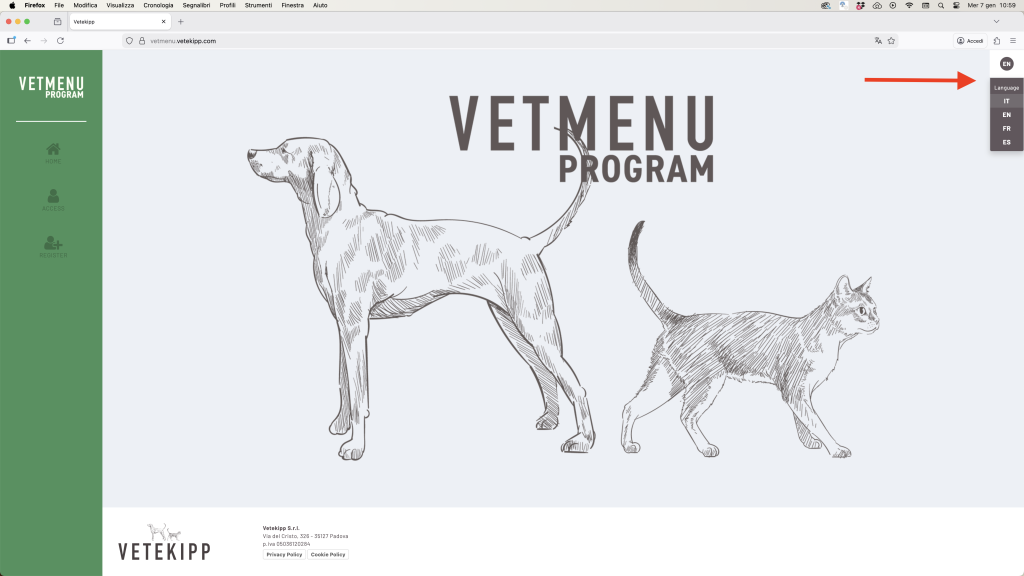
On the login page, at the top right, you will find a dropdown menu for language selection.
Choose your preferred language (e.g., Italian, English, French, Spanish).
💡 You can change the language at any time, even after logging in.
2.2 Accessing the Platform
To enter the program:
- Click on “Log In”.
- Enter your credentials.
- If you do not have an account, click on “Sign Up” and follow the registration process.
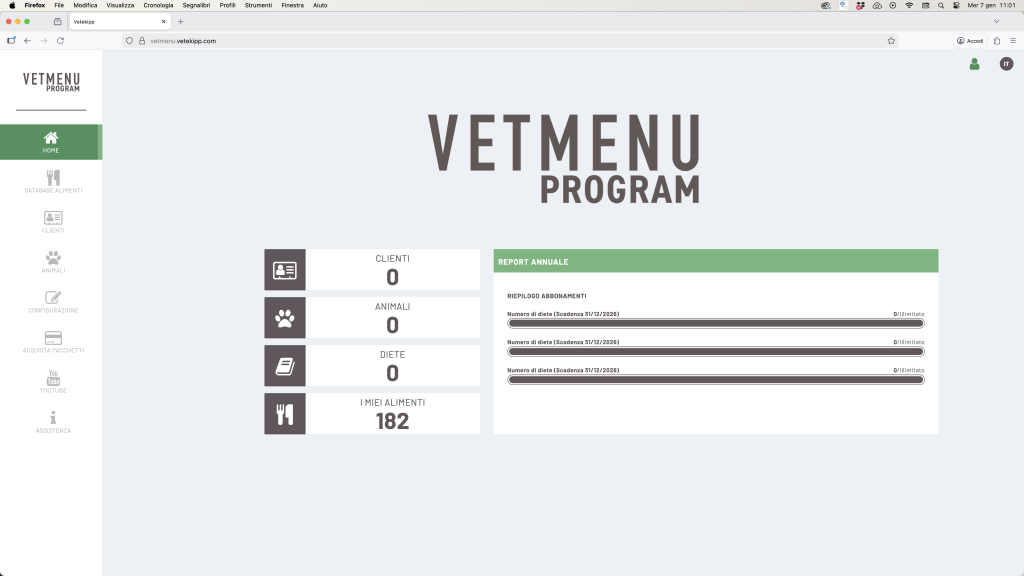
Once logged in, you will be redirected to the main Dashboard, where you will find:
- the number of registered clients and animals,
- the diets created,
- and the active subscriptions.
2.3 Profile Settings
To access your personal settings:
- Click on the profile icon (top right).
- Select “User Profile”.
- In the “Settings” tab, you can edit your personal information.
To change your password:
- Enter the new password in the designated field.
- Confirm it.
- Click on “Save Changes”.
✅ The changes will be applied immediately.