


3.1 Creating a New Client
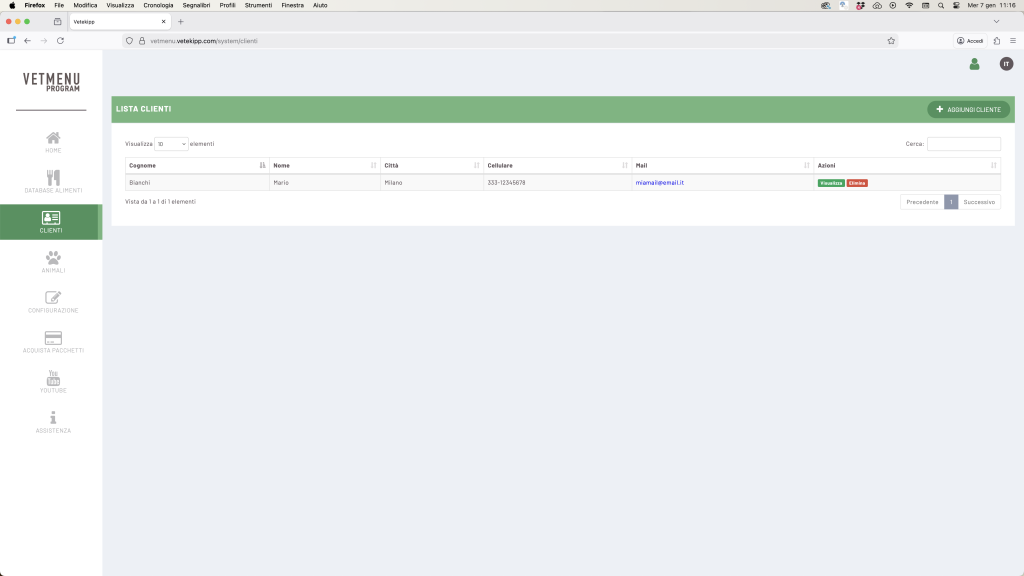
From the main menu, select Clients → Add Client.

Fill in the required fields (first name, last name, contact details, address, etc.) and click Save.

The new client will immediately appear in the list.
From here, you can click on “View” to access their profile and manage animals, visits, and personal data.
💡 Tip: Always update the client’s information before leaving the page to avoid losing any changes.